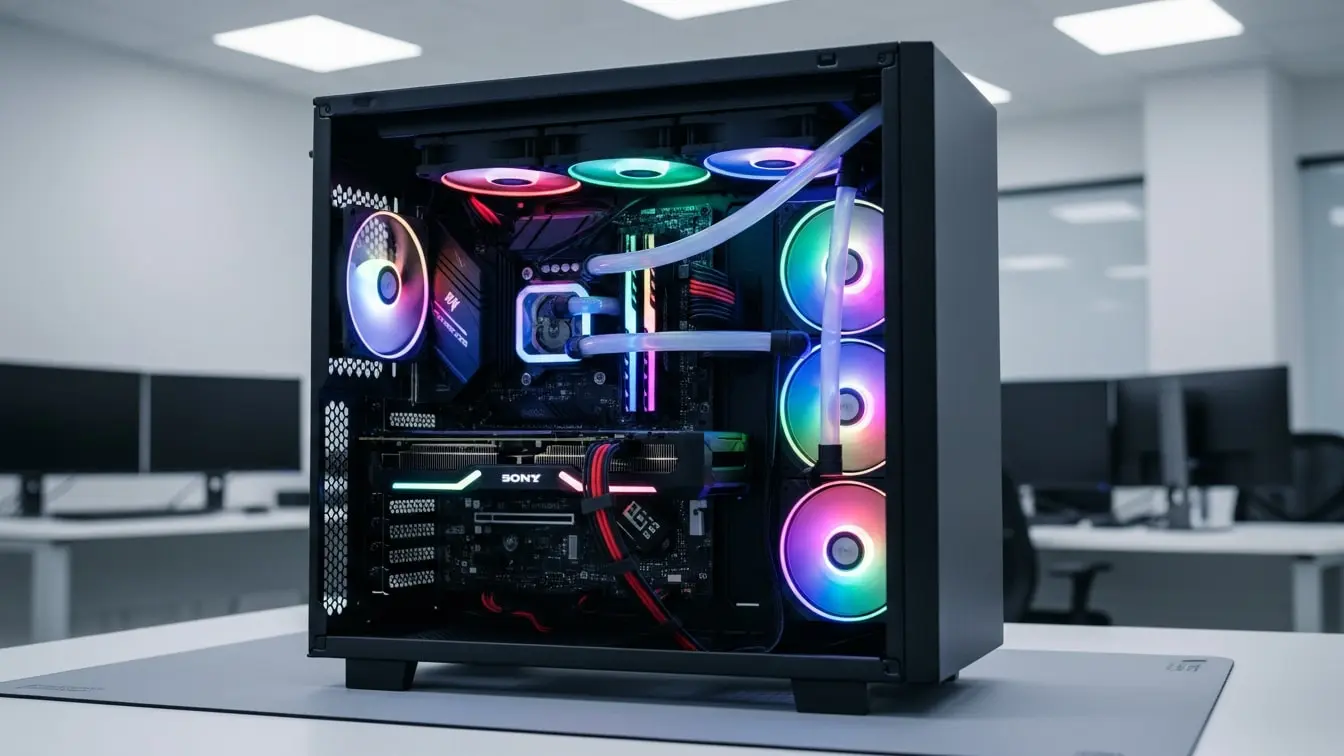
Computer System Preventative Maintenance Checklist: A Complete Guide to Reliable and Secure IT Operations
Computer systems support nearly every business process today. Therefore, organizations need a proactive approach to keep devices, servers, and networks running smoothly. A Computer System Preventative Maintenance Checklist helps IT teams identify potential issues early, improve system performance, and reduce unexpected downtime.
Moreover, preventative maintenance helps organizations avoid costly repairs and productivity losses. Instead of waiting for systems to fail, businesses can address risks before they affect operations. As a result, employees remain productive, data stays protected, and technology investments last longer.
Whether you manage a small business, healthcare facility, manufacturing plant, educational institution, logistics operation, or enterprise organization, a Computer System Preventative Maintenance Checklist supports better system reliability and performance.
What Is a Computer System Preventative Maintenance Checklist?
A Computer System Preventative Maintenance Checklist is a structured tool used to inspect, maintain, and monitor computer hardware, software, networks, and supporting IT infrastructure.
The checklist helps organizations ensure that systems remain secure, efficient, and operational.
Typically, a Computer System Preventative Maintenance Checklist covers:
- Hardware inspections
- Software updates
- Security controls
- Backup verification
- Network performance
- Storage management
- User account reviews
- Antivirus monitoring
- System performance checks
- Documentation reviews
Consequently, organizations can reduce disruptions and improve overall IT health.
Why Preventative Maintenance Is Important for Computer Systems
Technology issues can interrupt daily operations and create security risks. Therefore, regular maintenance helps organizations stay ahead of potential problems.
Preventative maintenance helps businesses:
- Reduce system downtime
- Improve performance
- Extend hardware lifespan
- Strengthen cybersecurity
- Protect business data
- Improve employee productivity
- Lower repair costs
- Support compliance requirements
Furthermore, regular maintenance helps IT teams identify trends that may indicate future system failures.
Key Components of a Computer System Preventative Maintenance Checklist
Hardware Inspection
Hardware components require regular inspection to maintain performance.
Review:
- Computer condition
- Cables and connections
- Cooling fans
- Power supplies
- Peripheral devices
- Physical damage
As a result, organizations can prevent hardware-related failures.
Software Updates and Patch Management
Outdated software often creates security vulnerabilities.
Verify:
- Operating system updates
- Software patches
- Application updates
- Driver updates
- Firmware updates
Consequently, systems remain secure and stable.
Antivirus and Endpoint Protection
Cyber threats continue to evolve. Therefore, organizations must maintain effective protection.
Inspect:
- Antivirus status
- Malware detection tools
- Security software updates
- Endpoint protection settings
As a result, businesses strengthen their cybersecurity posture.
Data Backup Verification
Reliable backups support business continuity.
Review:
- Backup schedules
- Backup completion status
- Recovery testing
- Backup storage locations
- Data retention practices
Consequently, organizations can recover data quickly if problems occur.
Storage Management
Storage systems require regular monitoring.
Check:
- Available disk space
- Storage performance
- File organization
- Archive management
- Storage utilization
Therefore, systems can continue operating efficiently.
Network Performance Monitoring
Network reliability affects productivity across the organization.
Inspect:
- Network connectivity
- Router performance
- Switch functionality
- Wireless access points
- Bandwidth utilization
As a result, users experience fewer connectivity issues.
User Account Management
User access should remain current and secure.
Verify:
- Active user accounts
- Access permissions
- Privileged accounts
- Inactive account removal
- Password compliance
Consequently, organizations reduce unauthorized access risks.
System Performance Assessment
Performance monitoring helps identify developing issues.
Review:
- CPU utilization
- Memory usage
- Disk performance
- Application responsiveness
- Error logs
Therefore, IT teams can address concerns before they become critical.
Security Configuration Review
Strong security controls protect organizational assets.
Inspect:
- Firewall settings
- Encryption status
- Security policies
- Multi-factor authentication
- Access controls
As a result, organizations improve system security.
Documentation and Asset Records
Accurate records support maintenance planning and compliance.
Verify:
- Asset inventories
- Maintenance logs
- Configuration records
- Software licenses
- Warranty information
Consequently, IT teams maintain better visibility into technology resources.
Sample Computer System Preventative Maintenance Checklist
Hardware Review
- Are devices free from physical damage?
- Cooling systems functioning correctly
- Are cables secured properly?
Software Maintenance
- Are operating systems updated?
- Software patches are current
- Are applications functioning properly?
Security Review
- Is antivirus software active?
- Are firewalls configured correctly?
- Is multi-factor authentication enabled?
Backup Verification
- Are backups completing successfully?
- Have recovery tests been performed?
- Is backup storage secure?
Performance Monitoring
- Is system performance acceptable?
- Are error logs reviewed regularly?
- Is sufficient storage available?
Common Issues Found During Preventative Maintenance
Many organizations identify similar concerns during maintenance inspections.
Common findings include:
- Outdated software
- Full storage drives
- Weak security settings
- Failed backups
- Inactive user accounts
- Hardware wear
- Poor network performance
- Missing documentation
However, regular preventative maintenance helps organizations resolve these issues before they disrupt operations.
Types of Computer System Preventative Maintenance
Hardware Maintenance
This maintenance focuses on physical components and device health.
Software Maintenance
Teams update and optimize software to maintain performance and security.
Security Maintenance
Organizations review security controls and address vulnerabilities.
Network Maintenance
IT professionals inspect network infrastructure and connectivity.
Data Protection Maintenance
Teams verify backups, recovery processes, and data security controls.
How eAuditor Audits & Inspections Supports Computer System Preventative Maintenance
Paper-based maintenance tracking often limits visibility and creates administrative challenges. In contrast, eAuditor Audits & Inspections helps organizations digitize preventative maintenance processes and improve oversight across IT operations.
As a result, teams can manage maintenance activities more effectively while maintaining complete records.
Customizable Digital Maintenance Checklists
eAuditor allows organizations to create preventative maintenance templates tailored to computer systems, servers, networks, and IT infrastructure.
Consequently, maintenance procedures remain consistent across departments and locations.
Mobile Maintenance Inspections
IT personnel can complete inspections directly from mobile devices and tablets.
Therefore, maintenance activities can occur wherever equipment is located.
Real-Time Data Collection
Technicians can document maintenance findings immediately.
As a result, managers gain faster access to important information.
Evidence and Documentation Capture
Users can attach screenshots, photos, maintenance records, and supporting documentation to inspection reports.
Consequently, maintenance records become more detailed and useful.
Corrective Action Management
When maintenance activities identify issues, eAuditor enables immediate assignment of corrective actions.
Furthermore, managers can monitor progress and verify completion.
Automated Reporting
The platform automatically generates maintenance reports after inspections.
Therefore, IT teams spend less time creating documentation and more time improving systems.
Centralized Maintenance Records
eAuditor stores maintenance histories, inspection records, and corrective actions in one secure location.
As a result, organizations improve documentation control and audit readiness.
Analytics and Performance Tracking
Real-time dashboards help leaders identify recurring issues, monitor maintenance completion rates, and evaluate system performance trends.
Consequently, organizations can make informed decisions about technology investments and maintenance priorities.
Benefits of Using Digital Preventative Maintenance Checklists
Organizations that digitize IT maintenance processes often achieve significant improvements.
Benefits include:
- Faster inspections
- Better documentation
- Improved accountability
- Reduced downtime
- Enhanced cybersecurity
- Faster corrective actions
- Improved compliance support
- Better asset visibility
Moreover, digital systems support long-term operational improvement through trend analysis and reporting.
Best Practices for Computer System Preventative Maintenance
Follow a Maintenance Schedule
Regular maintenance helps prevent unexpected failures.
Keep Software Updated
Prompt updates reduce security risks and improve performance.
Monitor System Health
Continuous monitoring helps identify issues early.
Test Backups Regularly
Backup verification ensures recovery readiness.
Review Security Controls Frequently
Regular reviews help protect against evolving cyber threats.
Use Digital Maintenance Tools
Digital platforms improve consistency, visibility, and efficiency.
Verified eAuditor Resources Related to Computer System Preventative Maintenance Checklists
eAuditor Blog Articles
- https://eauditor.app/blog/preventive-maintenance-checklist/
- https://eauditor.app/blog/maintenance-inspection/
- https://eauditor.app/blog/internal-audit-checklist/
eAuditor Template Library Resources
- https://library.eauditor.app/template/preventive-maintenance-checklist
Industries That Benefit from Computer System Preventative Maintenance
Healthcare
Healthcare organizations maintain critical systems that support patient care and data security.
Manufacturing
Manufacturers rely on computer systems to support production and operational processes.
Education
Schools and universities use preventative maintenance to support learning technologies and administrative systems.
Financial Services
Financial institutions maintain secure and reliable systems to protect sensitive information.
Retail
Retail businesses depend on technology for sales, inventory management, and customer service.
Logistics and Transportation
Transportation organizations use computer systems to support operations, tracking, and communications.
Frequently Asked Questions
1. What is a Computer System Preventative Maintenance Checklist?
A Computer System Preventative Maintenance Checklist is a structured tool used to inspect, maintain, and monitor computer systems and IT infrastructure.
2. Why is preventative maintenance important for computer systems?
It helps reduce downtime, improve performance, strengthen security, and extend hardware lifespan.
3. What should a preventative maintenance checklist include?
It should include hardware inspections, software updates, security reviews, backup verification, network monitoring, and documentation checks.
4. How often should computer systems receive preventative maintenance?
The frequency depends on organizational needs, system criticality, and manufacturer recommendations.
5. Who performs computer system preventative maintenance?
IT technicians, system administrators, network engineers, and technology managers commonly perform maintenance activities.
6. What are common issues identified during maintenance inspections?
Common issues include outdated software, failed backups, storage limitations, security weaknesses, and hardware wear.
7. How does eAuditor support preventative maintenance programs?
eAuditor provides digital checklists, mobile inspections, corrective action tracking, automated reporting, centralized records, and analytics dashboards.
8. Can digital maintenance systems improve IT operations?
Yes. Digital systems improve visibility, accountability, consistency, and operational efficiency.
9. What role do backups play in preventative maintenance?
Backups protect business data and support recovery efforts when systems fail or become compromised.
10. How can organizations improve preventative maintenance programs?
Organizations can establish maintenance schedules, monitor performance, review security controls, train staff, and use digital inspection tools.
Final Thoughts
A Computer System Preventative Maintenance Checklist provides a proactive approach to maintaining technology assets, improving reliability, and reducing operational risks. By inspecting hardware, updating software, monitoring performance, verifying backups, and reviewing security controls, organizations can create a more secure and efficient IT environment.
Furthermore, eAuditor Audits & Inspections helps organizations modernize preventative maintenance programs through digital checklists, mobile inspections, automated reporting, corrective action tracking, centralized records, and real-time analytics. As a result, IT teams gain better visibility, stronger accountability, and the tools needed to keep critical systems running smoothly and securely. https://eauditor.app/2026/08/02/computer-system-preventative-maintenance/


Comments
Post a Comment