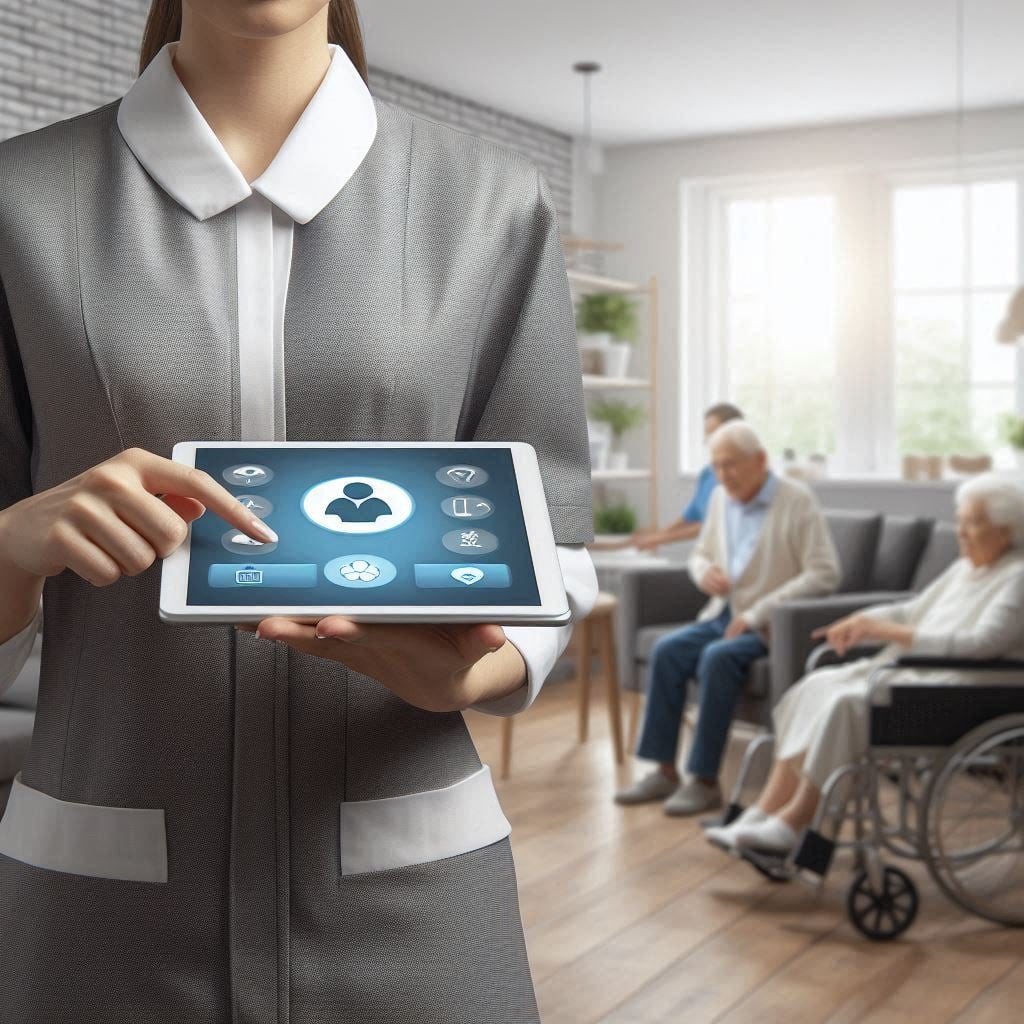
Audit management system for care home
Audit management system for care home helps teams plan audits, track risks, assign actions, and keep clear records while staff focus on resident care. A good system can make daily checks easier, reduce missed actions, and give managers a clear view of what needs attention. With eAuditor Audits & Inspections, care homes can move audits from paper forms to a more structured digital process. Teams can use digital checklists, record findings, capture evidence, assign corrective actions, and review results in one place.
What is an audit management system for care home?
An audit management system is a digital tool that helps staff plan, perform, record, and follow up on audits.
It deal with many checks every day. These checks can cover resident care, medication, infection control, fire safety, equipment, food, cleaning, staff training, and building maintenance.
Paper records can make this work harder. Forms may sit in folders, actions can get missed, and managers may spend too much time looking for old records.
A digital audit management system brings these tasks together. Staff can complete checks on a mobile device, add notes and evidence, and send findings to managers. Managers can then review results and track actions until teams close them.
Why do care homes need audit management software?
It need reliable audit processes because small issues can become bigger problems when teams miss them.
For example, a damaged handrail may create a fall risk. A missed equipment service may affect safe care. An overdue fire check may create a serious compliance concern. Poor documentation can also make it hard to prove that staff followed the right process.
An audit management system helps teams spot these issues early.
It can help care homes:
- Standardize routine audits.
- Keep audit records in one place.
- Assign actions to named staff.
- Set priorities and deadlines.
- Track outstanding findings.
- Capture photos, notes, and other evidence.
- Create reports for managers.
- Schedule recurring inspections.
- Monitor trends over time.
- Support continuous improvement.
eAuditor states that its inspection platform supports customizable checklists, real-time reporting, mobile inspections, corrective actions, recurring audits, and dashboards.
What should a care home audit management system cover?
A useful system should cover more than one department. Resident wellbeing should remain at the centre, while the system also checks the environment, staff, equipment, and records.
The main areas include:
Resident care: Check care plans, dignity, nutrition, hydration, mobility, skin care, medication practices, and wellbeing.
Medication management: Review medication storage, administration records, controlled medicines, expired medicines, staff training, and medication errors.
Infection control: Check hand hygiene, PPE, cleaning, laundry, waste handling, and infection control procedures.
Health and safety: Review risk assessments, emergency procedures, accident records, fire safety, walkways, and hazards.
Building and equipment: Inspect lifts, hoists, electrical systems, fire equipment, nurse call systems, emergency lighting, and other critical assets.
Staff competency: Check mandatory training, safeguarding knowledge, first aid, infection control, and competency assessments.
Food safety: Review kitchen hygiene, food storage, temperatures, menus, dietary needs, and food safety training.
Documentation: Check whether records remain accurate, complete, current, and easy to retrieve.
These areas also appear in eAuditor's care home audit guidance, which covers resident care, medication, infection control, facilities, health and safety, staff competency, food safety, security, documentation, resident feedback, and end-of-life care.
How eAuditor supports care home audits
eAuditor Audits & Inspections can help turn a care home audit into a repeatable workflow.
First, teams can create or customize a checklist. This allows it to match its audit process to its own procedures, risks, and compliance needs.
Next, staff can complete inspections during a walk-through. They can record findings, add notes, and capture photos or videos as evidence.
After that, managers can review findings and assign corrective actions. Each action can have an owner and a deadline, making responsibility clearer.
Finally, managers can use reports and dashboards to review results and identify recurring problems. eAuditor also supports recurring audit schedules, which can help teams avoid relying on memory for important checks.
Related eAuditor care home checklists
The eAuditor template library includes several useful checklists for care home audit programs.
Care Home Audit Checklist
The Audit Checklist focuses on recurring compliance checks. It covers gas safety certificates, electrical installation reports, hoist servicing, lift and stair-lift servicing, fire risk assessments, fire alarm servicing, emergency lighting, fire extinguishers, nurse call systems, Legionella risk assessments, water samples, building risk assessments, and PAT testing.
Care Home Audit Checklist – eAuditor Template
Care Home Safety Checklist
The Care Home Safety Checklist covers risk assessments, health and safety, equipment, first aid, fire safety, premises maintenance, hazardous substances, infections, and other workplace risks. It also checks medication risk management, manual handling, staff training, emergency planning, and equipment safety.
Care Home Safety Checklist – eAuditor Template
Nursing Home Safety Checklist
The Nursing Home Safety Checklist looks at facility information, licensing, inspection records, care planning, resident care, family involvement, medical records, and medication review. This makes it useful for teams that want a broader nursing home safety review.
Nursing Home Safety Checklist – eAuditor Template
Care Home Housekeeping Audit
The Care Home Housekeeping Audit checks cleaning schedules, safe storage of cleaning supplies, reporting of cleaning issues, staff training, PPE, high-touch surfaces, pest control, waste disposal, product labeling, and deep-cleaning schedules. It also includes checks for outbreak cleaning procedures and supervision.
Care Home Housekeeping Audit – eAuditor Template
Care Home Audit Template
The Care Home Audit Template includes practical room and bathroom checks. Teams can review bedroom cleanliness, bins, carpets, surfaces, furniture, windows, pressure mats, sinks, and other housekeeping details.
Care Home Audit Template – eAuditor Template
PPE in Care Homes Checklist
The PPE in Care Homes Checklist helps teams check the availability and correct use of gloves, aprons, eye protection, masks, and other PPE. It also covers PPE storage, use during infection risks, removal, and changing single-use items between care episodes.
PPE in Care Homes Checklist – eAuditor Template
How to build a care home audit program
A strong audit program does not need to become complicated.
Start by listing the checks your care home performs each day, week, month, quarter, and year.
Then group the checks into clear areas such as resident care, medication, infection control, fire safety, equipment, housekeeping, food safety, and documentation.
Next, turn each area into a simple digital checklist. Keep questions clear and specific. Avoid long questions that staff may interpret in different ways.
After each audit, record the finding and decide what needs to happen. Assign the action to the right person and set a realistic due date.
Finally, review the results regularly. Look for repeat findings rather than treating each audit as a separate event.
What makes a care home audit effective?
An effective audit should be simple enough for staff to use consistently.
Questions should describe something that staff can actually observe or verify. For example, instead of asking whether equipment is safe, ask whether the required service is current and whether the equipment shows visible damage.
Evidence also matters. A photo, note, document, or other record can provide useful support for an audit finding.
Corrective actions matter just as much. Finding a problem is only the first step. Someone must own the action, complete it, and confirm that the issue has been resolved.
Regular review then turns individual audits into a continuous improvement process.
Digital audits versus paper audits
Paper checklists can work for simple inspections, but they become harder to manage as the number of audits grows.
With paper, managers may need to collect forms, check handwriting, enter information manually, copy findings into reports, and follow up with staff separately.
A digital audit management system can reduce these steps. Staff can complete the checklist digitally, while managers can access results and follow actions from a central system.
eAuditor's care home audit guidance describes mobile inspections, real-time data syncing, report generation, corrective actions, recurring audit schedules, and dashboard-based monitoring.
Benefits of using an audit management system for care home
The biggest benefit is better visibility.
Managers can see which audits are complete, which findings remain open, and which actions need attention.
Staff also gain a clearer process. Instead of wondering which form to use or where to record a finding, they can follow a standard checklist.
Another benefit is consistency. The same core questions can guide audits across shifts, departments, or locations.
Evidence becomes easier to organize as well. Photos and notes can sit with the related audit finding instead of being stored separately.
Over time, audit data can reveal patterns. If the same type of issue appears again and again, management can investigate the root cause rather than simply correcting the latest finding.
How to get more value from care home audit software
Keep your checklists short and focused.
Use plain language so every staff member understands each question.
Set different schedules for different risks. A daily housekeeping check does not need the same frequency as a yearly fire risk review.
Assign every important action to a named person.
Set deadlines that staff can meet.
Review overdue actions during management meetings.
Look for repeat findings and investigate why they happen.
Update checklists when procedures, risks, equipment, or regulatory requirements change.
Most importantly, use audit results to improve care. An audit should not become a box-ticking exercise. It should help teams create a safer, cleaner, more responsive home for residents.
Care home audit management system: a practical workflow
A simple workflow can look like this:
- Plan: Decide what needs to be checked and how often.
- Prepare: Select or customize the right checklist.
- Inspect: Complete the audit during the planned visit or walk-through.
- Record: Add findings, notes, and supporting evidence.
- Assign: Give corrective actions to responsible staff.
- Track: Monitor open actions and due dates.
- Verify: Confirm that corrective actions actually solved the issue.
- Review: Study trends and repeat findings.
- Improve: Update processes and checklists where needed.
This approach helps turn audits into an ongoing management process rather than a one-time inspection.
Final thoughts
An audit management system for care home can make compliance work more organized without adding unnecessary complexity to the daily routine. Care teams already have many responsibilities, so audit tools should save time and make important information easier to find.
eAuditor Audits & Inspections provides customizable digital checklists and inspection workflows that can support audits. Its verified template library includes care home safety, housekeeping, nursing home safety, PPE, room checks, and recurring compliance audit templates.
The goal is simple: make checks easier, make actions clearer, and help managers keep their attention on safe, consistent, high-quality resident care.
Frequently asked questions
What is an audit management system for care home?
An audit management system is software that helps them plan audits, use digital checklists, record findings, collect evidence, assign corrective actions, and monitor completion.
Why should a care home use digital audit software?
Digital software can reduce paperwork, improve consistency, centralize audit records, make actions easier to track, and give managers faster access to audit results.
What should a care home audit cover?
A audit can cover resident care, medication, infection control, health and safety, fire safety, equipment, housekeeping, food safety, staff training, documentation, security, and resident feedback.
Does eAuditor have a Care Home Audit Checklist?
Yes. The eAuditor template library has a Audit Checklist covering recurring checks such as gas safety, electrical inspections, hoists, lifts, fire systems, emergency lighting, nurse call systems, Legionella controls, building assessments, and PAT testing.
Can care home audit checklists be customized?
Yes. eAuditor's care home audit guidance states that teams can customize templates to reflect their own procedures, risks, legal requirements, and areas that need more focus.
Can staff capture evidence during a care home inspection?
Yes. eAuditor's care home audit guidance describes using its mobile app to capture photos, videos, and notes during inspections.
Can managers track corrective actions?
Yes. The eAuditor workflow supports assigning corrective actions and tracking their progress after an audit.
Can care homes schedule recurring audits?
Yes. eAuditor's care audit guidance includes recurring audit schedules, which can help teams manage regular inspections and compliance checks.
Where can I find eAuditor care home audit templates?
The eAuditor template library provides several care home resources, including the Care Home Audit Checklist, Care Home Safety Checklist, Nursing Home Safety Checklist, Care Home Housekeeping Audit, and PPE in Care Homes Checklist. https://eauditor.app/2026/09/11/audit-management-system-for-care-home/


Comments
Post a Comment